How to use the app
Every screen, every field, and what the answer means
What this is, and what it is not
Preceptor is a study tool. You work through teaching cases, or write one yourself, and you get back the reasoning a good clinician would use — not just an answer, but why that answer and why not the others.
Never type a real patient's details. Not a name, not a hospital number, not a date of birth. The cases are fictional, and that is what keeps this a teaching tool rather than a medical device. It is also why the answers can be complete: a textbook prints the full regimen because the patient in it does not exist.
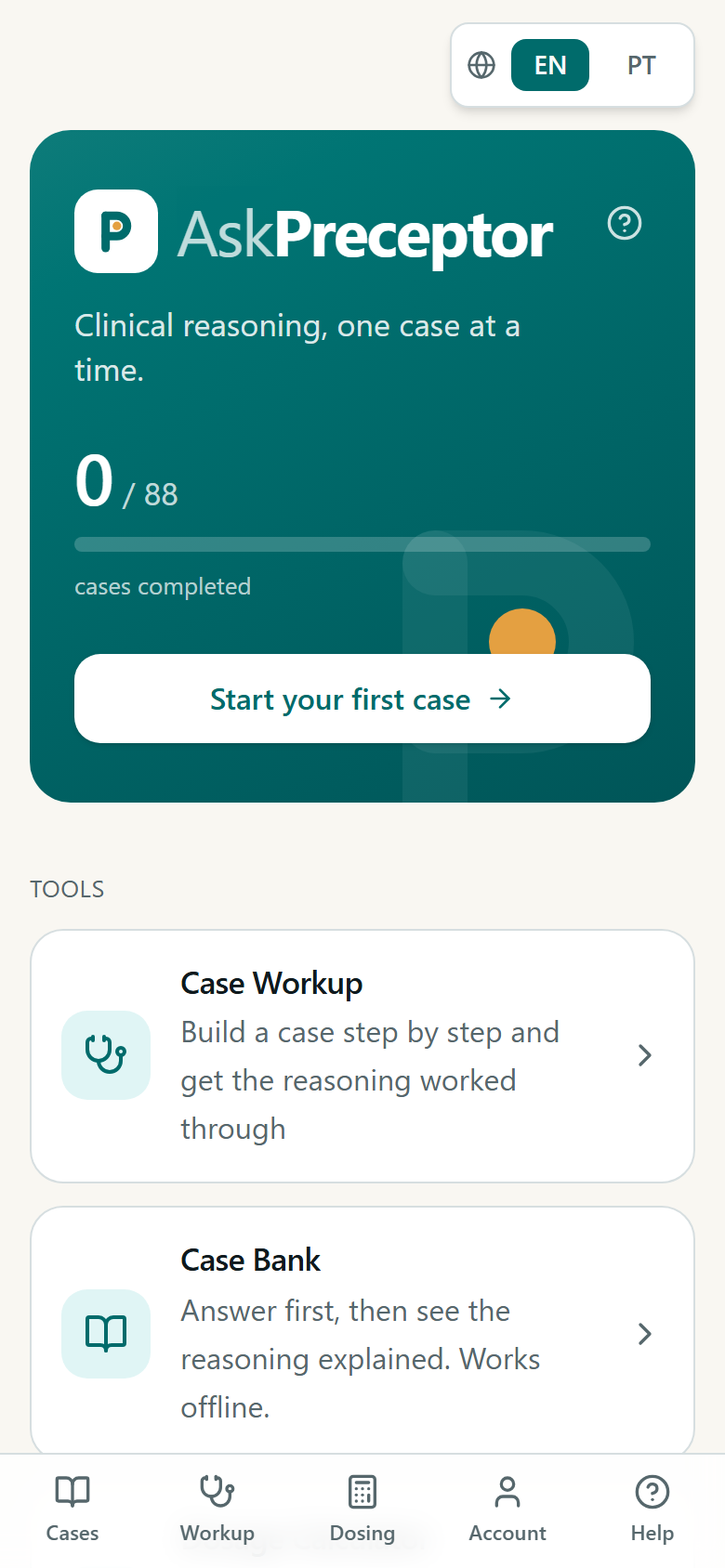
First: choose your region
The region is not a language setting. It decides WHICH guidelines the answers are held to — a chest pain worked up against NICE reads differently from the same case against the ESC or the DGS, and someone revising for a Portuguese exam should not be quietly marked against British thresholds.
It is asked on first launch and you can change it any time — from the selector at the top of a case, or from Account. When your country's corpus has nothing on a topic the app widens the search: Portugal falls back to European guidance, then international, and the answer tells you which tier it used.
Case library
Ready-made teaching cases with multiple-choice questions. This is the free, unlimited part of the app: opening one costs nothing from your daily allowance, because the answers were written once and are stored.
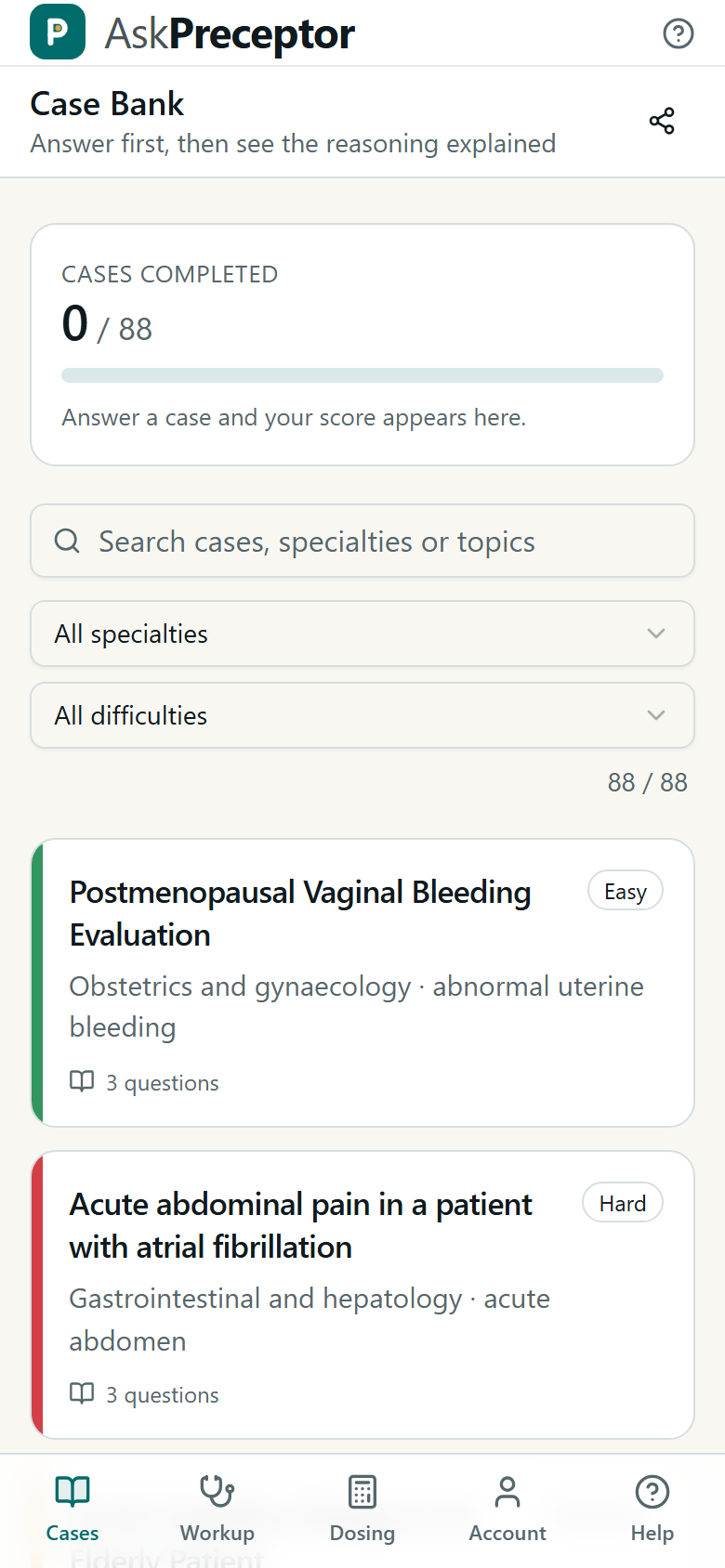
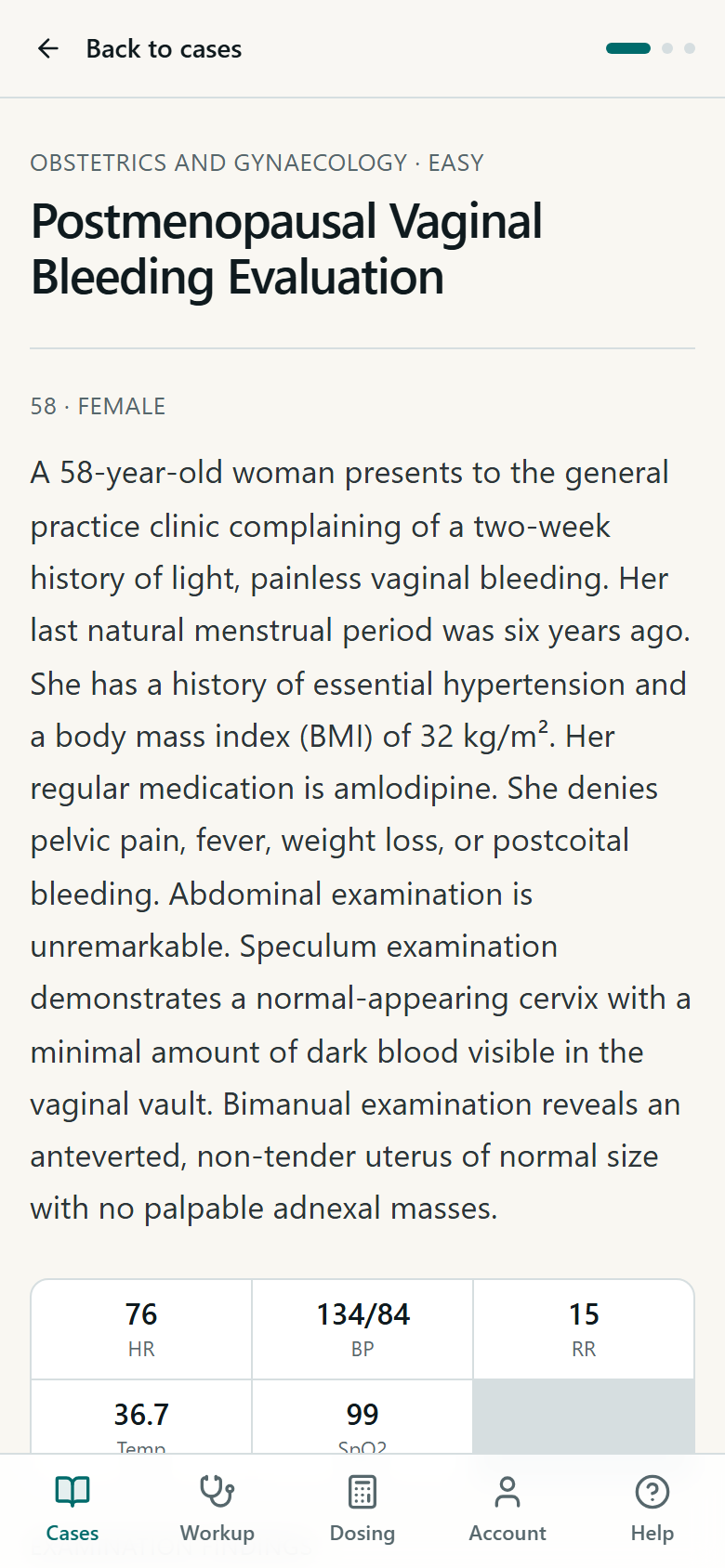
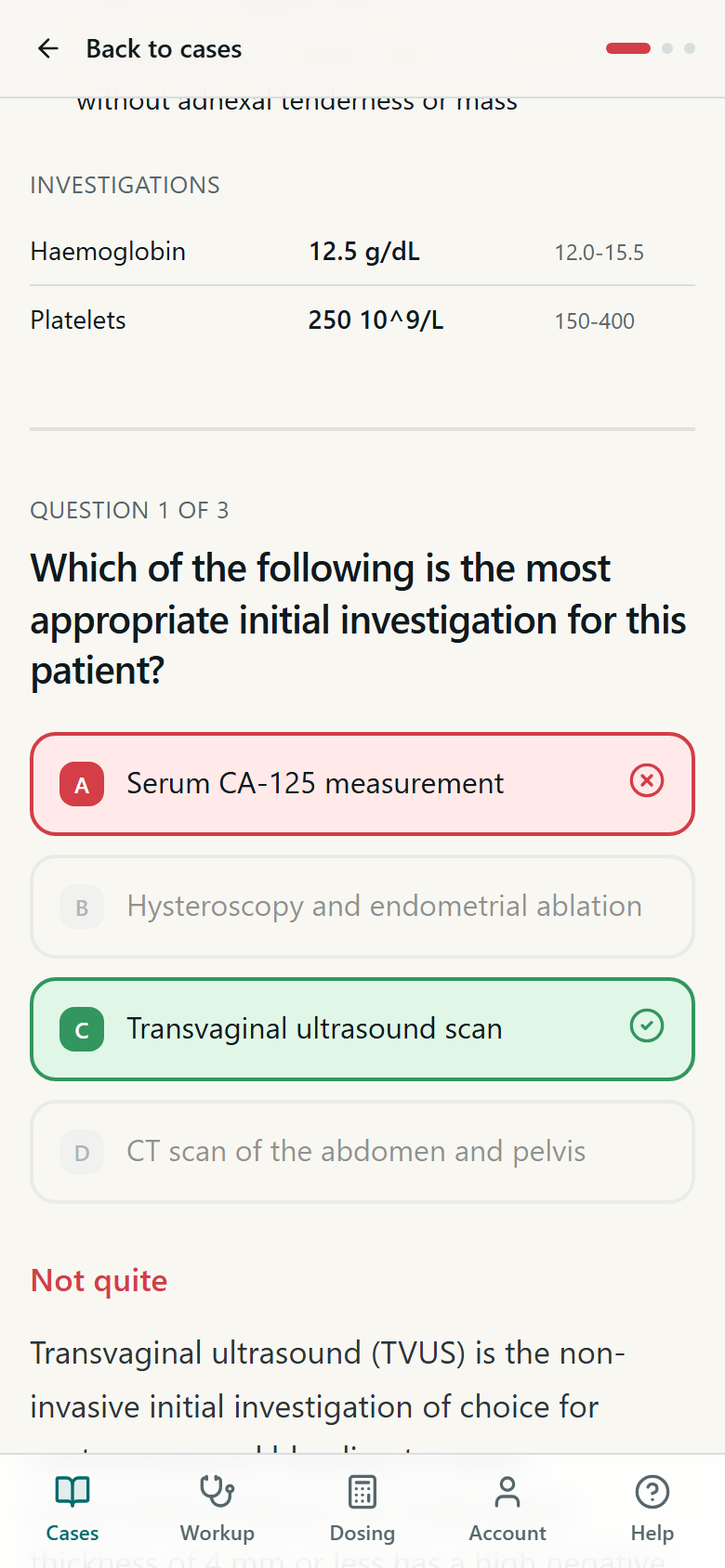
Progress is kept on the device. Sign in and it follows you between phone and browser, merged by the best result you have had on each case — so running a case again on another device never lowers a score you already earned.
Clinical case study: the setting
This is where you write a case yourself and get a full worked answer. Before the fields, you choose where the case takes place — and that choice changes what the answer contains, not just its tone.
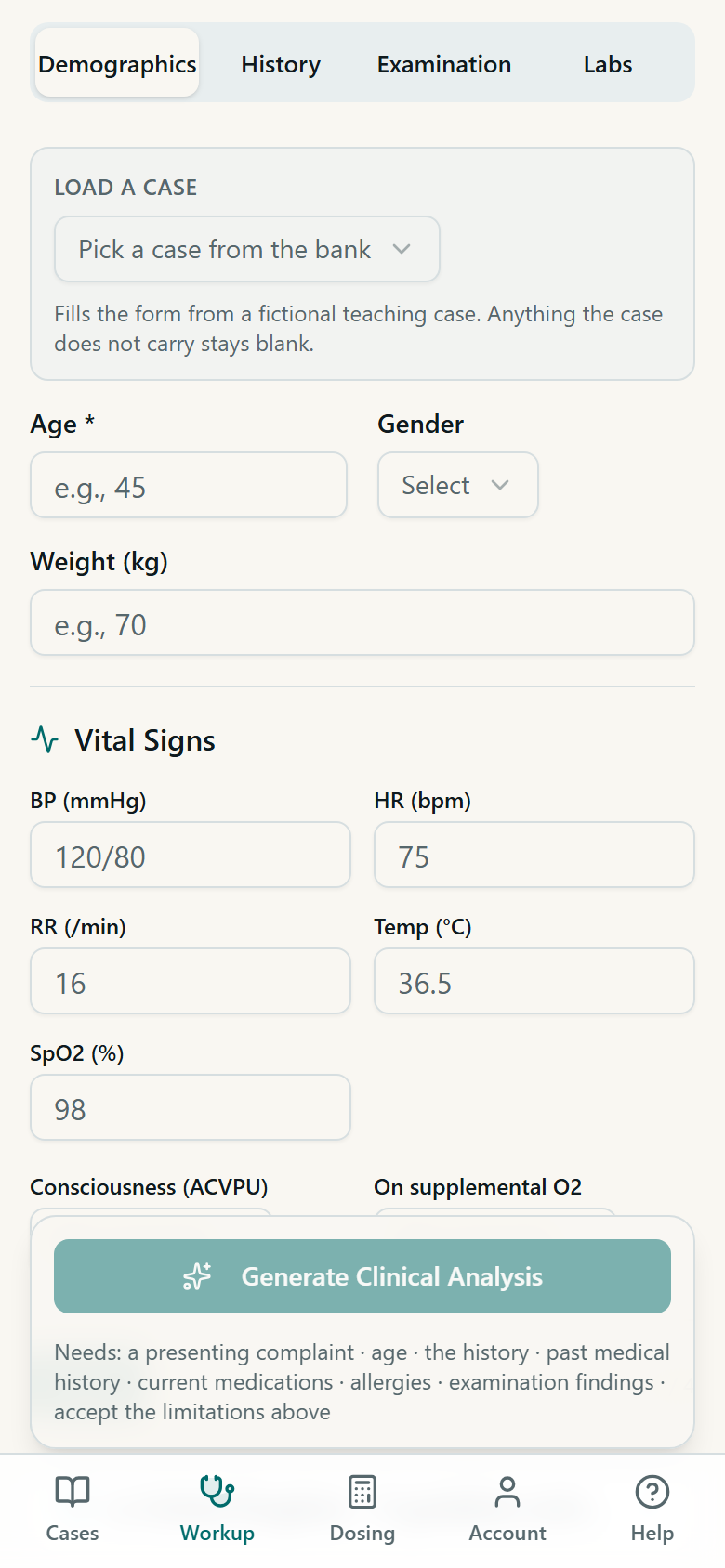
- Outpatient clinic
- An ambulatory setting. The plan assumes you can bring the patient back, so it leans on scheduled review rather than admission.
- Primary care
- Family medicine, with the constraints that implies — the tests you can actually order, and the referral thresholds that decide when something leaves your hands.
- Emergency
- Adds an acuity level from 1 to 5, an explicit admit-or-discharge decision, and the objective criteria behind that call. Choose this when the question is how sick, how fast.
- Ward
- An admitted patient. Adds discharge criteria, a monitoring plan, expected length of stay, and the complications to watch for.
- Teaching mode
- The fullest breakdown. Use it when you are studying rather than simulating a shift.
The teaching payload — pathophysiology, how the differential was reasoned, learning points and pitfalls — comes back in EVERY setting. The setting says where the case happens; it never decides whether you get taught.
Clinical case study: the fields
Four steps, and a button that tells you exactly what is still missing. Fields marked with an asterisk are required — the rest change the answer when you fill them, and are simply absent from it when you do not.
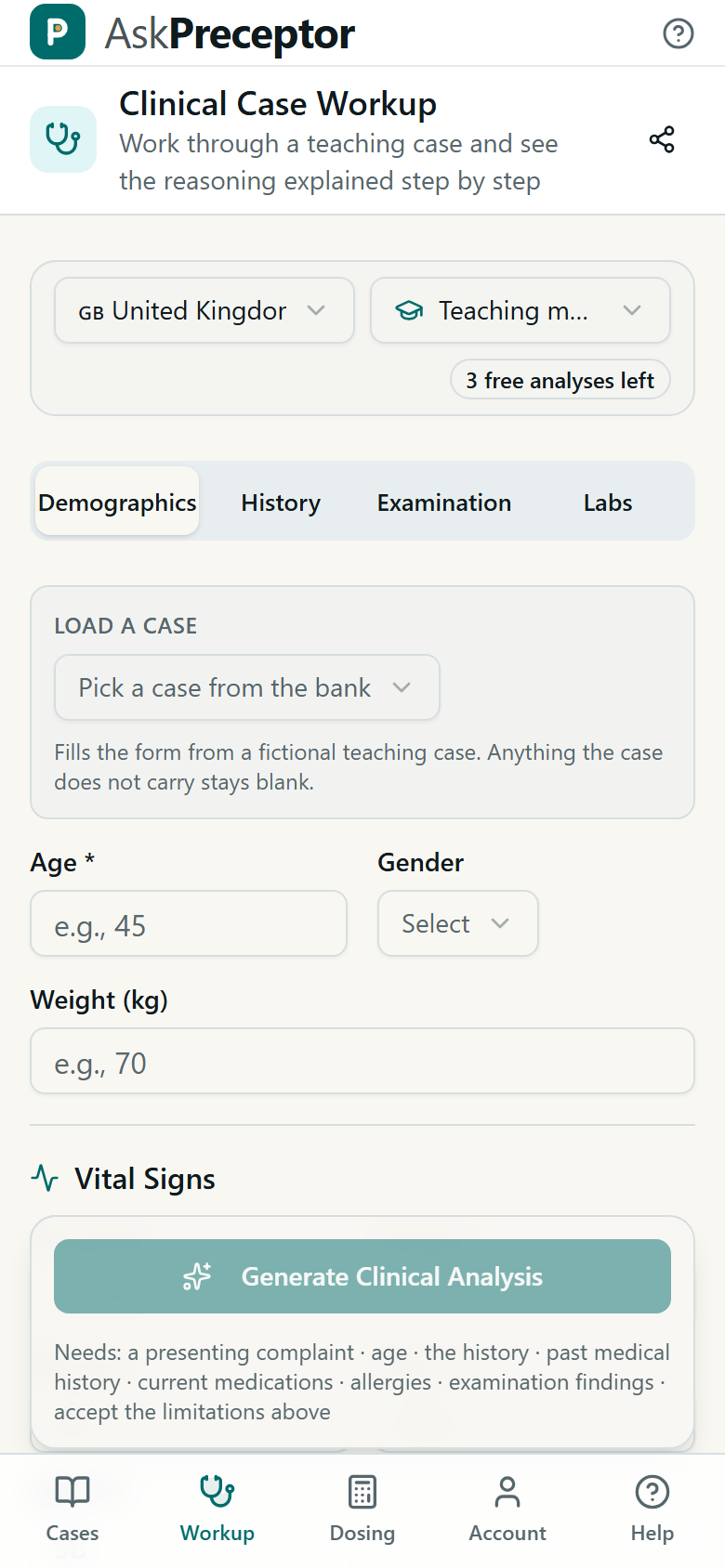
- Age and sex
- They move the differential more than anything else that fits on one line. The same chest pain is a different list at 24 and at 74.
- Weight
- Fill it if the case involves any drug given by weight. Without it the answer can explain how a dose is decided but cannot work it out for this patient.
- Consciousness (ACVPU)
- Alert, or anything less than alert. This is not a detail: new confusion is one of the strongest single triggers in an early warning score, and leaving it on Alert for a confused patient understates how sick they are.
- On supplemental oxygen
- Changes the scoring twice over: it adds points by itself, and it changes the scale the oxygen saturation is read against. Saying no when the answer is yes reads the saturation off the wrong scale.
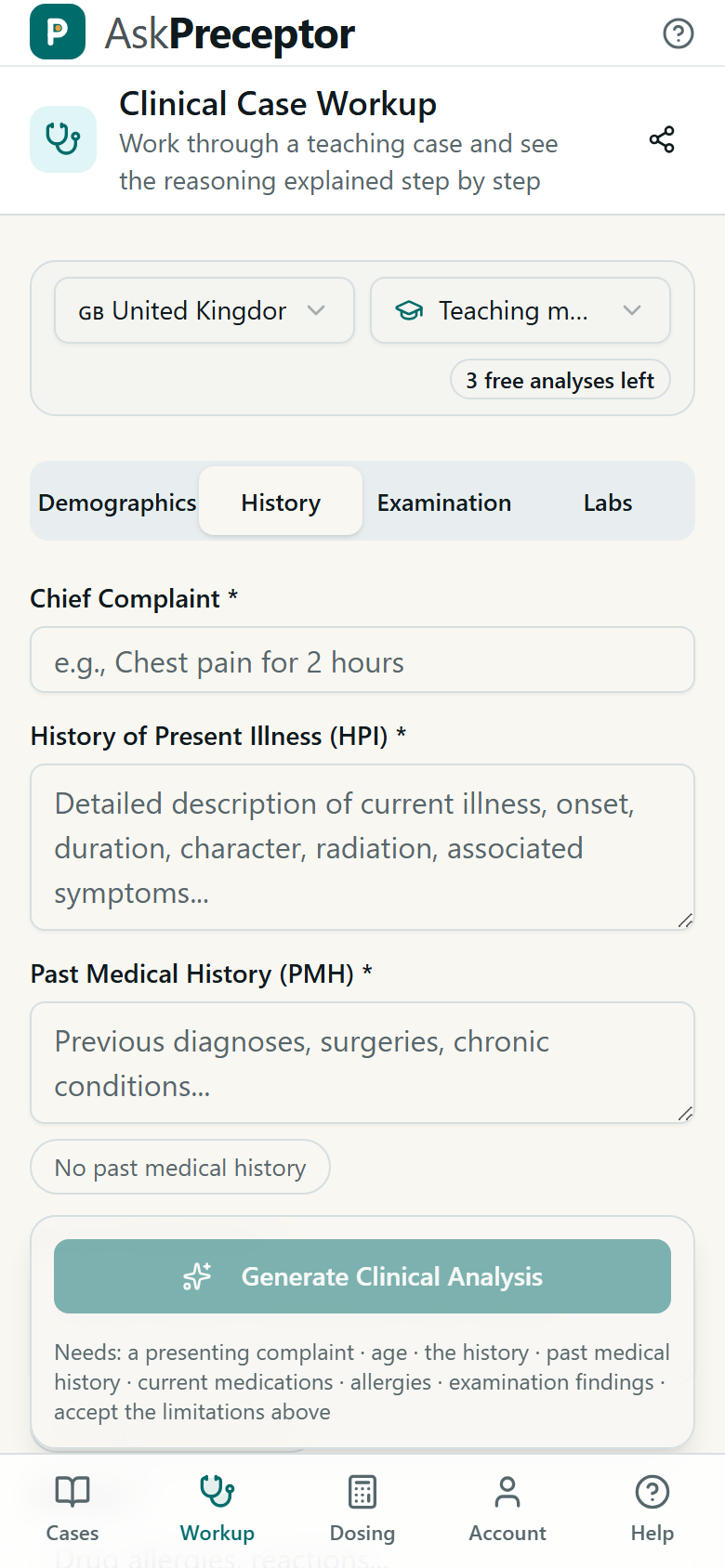
- Chief complaint
- One line, in the patient's terms, with how long it has been going on. Chest pain for two hours — not a diagnosis, and not a paragraph.
- History of present illness (HPI)
- The story: onset, duration, character, where it radiates, what makes it better or worse, what came with it. This field does more for the quality of the answer than any other — a differential is only as good as the history it was built from.
- Past medical history (PMH)
- Previous diagnoses, surgery, chronic disease. If there are none, use the No past history button rather than leaving it blank — empty means you did not say, and none means you did.
- Medication and allergies
- Both required, and both are how the answer avoids proposing something this patient cannot have. An allergy left blank is not read as no allergies.
- Blood pressure, heart rate, respiratory rate, temperature, saturation
- Fill what you have. These drive the severity level and the early warning score, so a case with no vitals gets a severity the answer has to hedge.
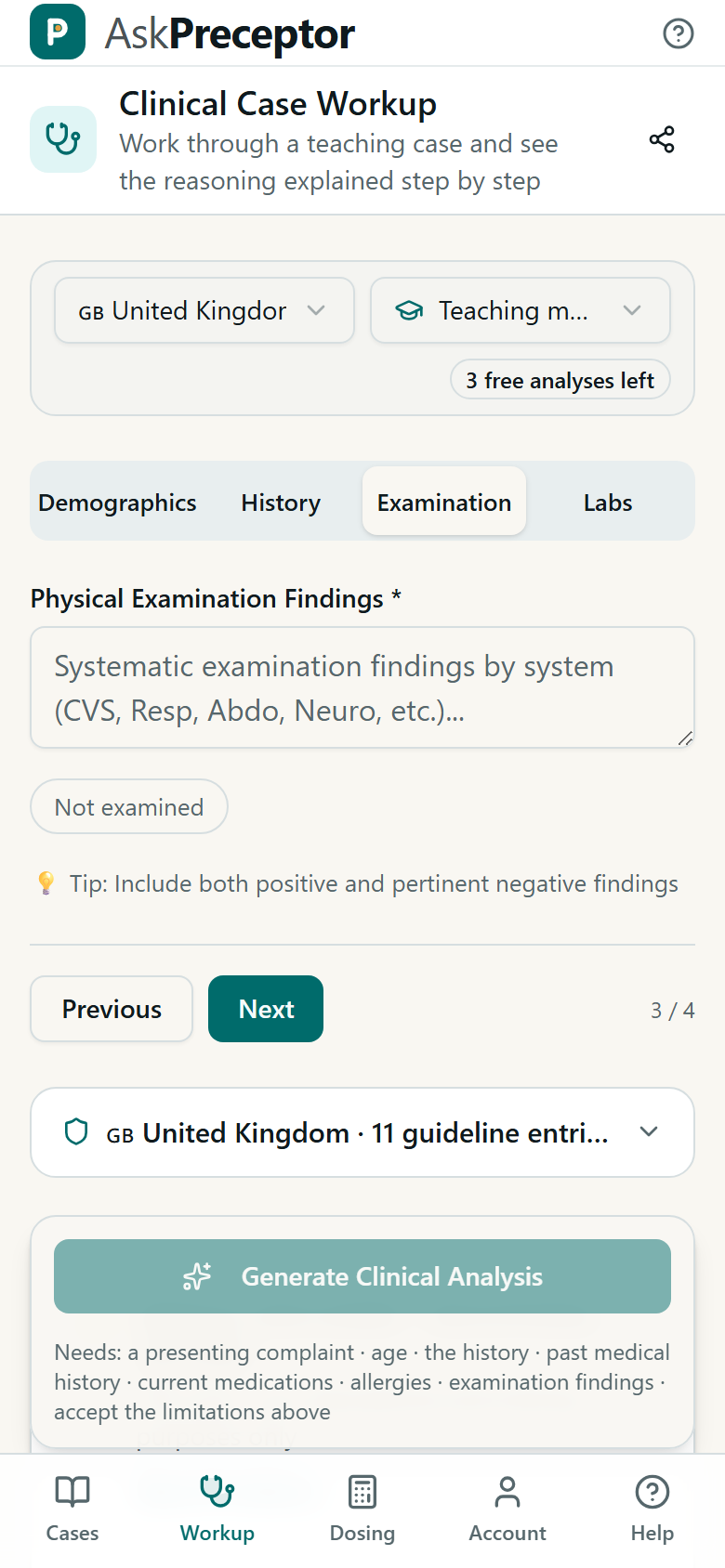
- Examination findings
- What you found, and the relevant things you did not. No murmur, no peripheral oedema is information; leaving it out is not.
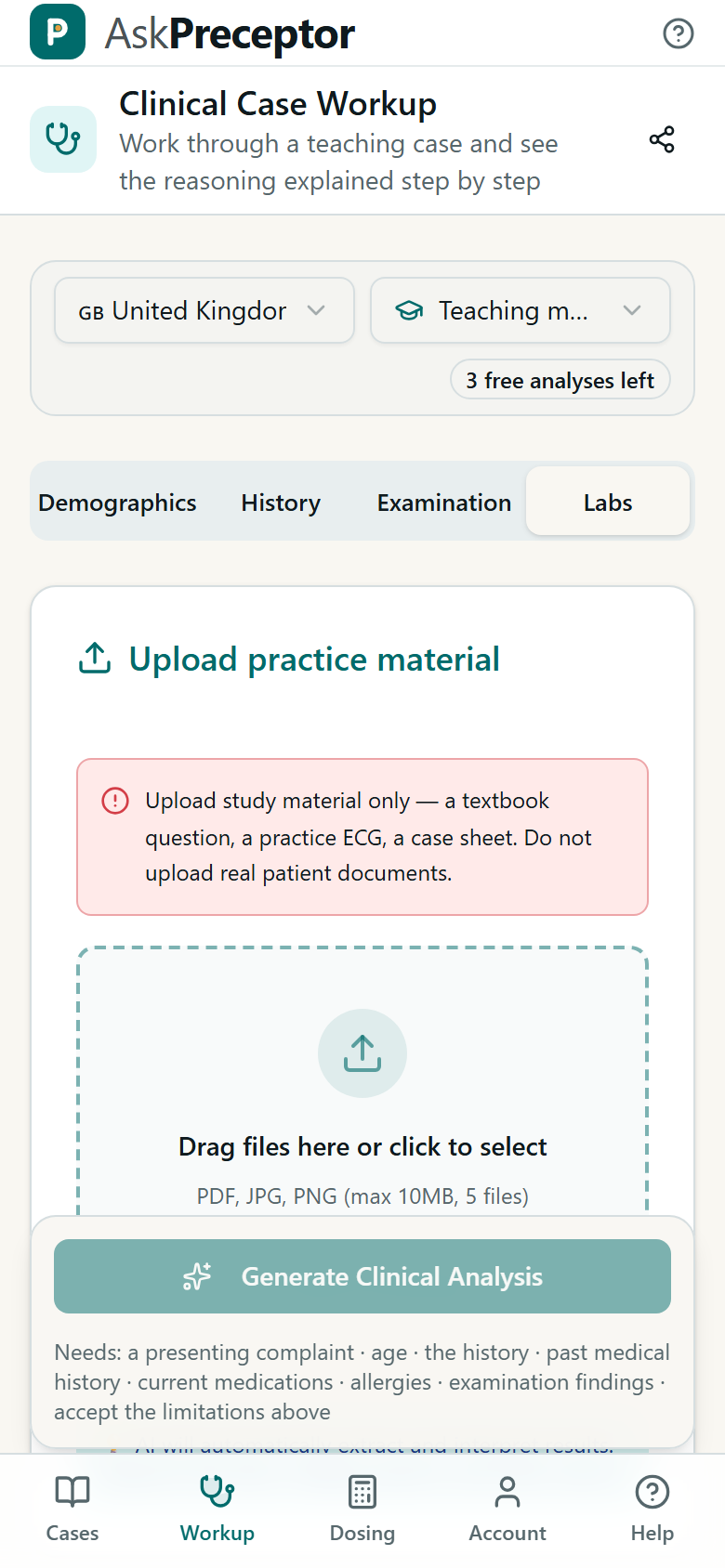
Paste results as text, or upload a report. When labs are present the answer adds a section naming which values are abnormal and interpreting them together rather than one by one — and it shows its reasoning steps, which is the part worth reading twice.
The last thing before the button is a checkbox accepting the limitations. It is not decoration and it is not skippable: the button stays disabled until it is ticked, and the line underneath lists everything still missing.
Reading the answer
The answer always comes back in the same order, so you learn where to look. Here is what each part is claiming.
- Severity
- One of critical, urgent, priority or routine — with the timeframe it implies and the justification for it. Read the justification, not the label: the label summarises the findings named underneath it, and if you disagree with those findings you should disagree with the label.
- Acute diagnoses
- A ranked differential. Each carries a probability of high, medium or low, the reasoning behind it, the tests that would confirm it, and any red flags specific to it. It is deliberately a list: a single answer would be a worse teaching object even when it is right.
- Chronic diagnoses
- Background conditions, each marked controlled, stable or decompensated. Decompensated is the one that changes today's plan.
- Red flags
- Findings that should stop you and change what you do next, listed separately so they cannot get lost inside a paragraph.
- Unexplained symptoms
- The most useful section and the easiest to skip. It names what you described that the leading diagnosis does NOT account for. A diagnosis that explains four findings out of five is a diagnosis with a problem, and this is where that shows.
- Management plan
- Immediate actions, drugs, tests to order, referrals, follow-up, and what to tell the patient. Each drug carries dose, route, frequency, duration, why it was chosen, any cautions — and how the dose was decided, which is the part you have to be able to reproduce without the app.
- Teaching
- Pathophysiology, how the differential was reasoned through, the learning points, the common pitfalls, and the guidelines it leaned on. Present on every case, in every setting.
A citation with a warning triangle could not be matched against the guidelines bundled with the app. It is not automatically wrong — the corpus is a selection, not the literature — but it is unverified, and it is the one thing in an answer you should not repeat in an exam without checking the source yourself.
Dose calculator
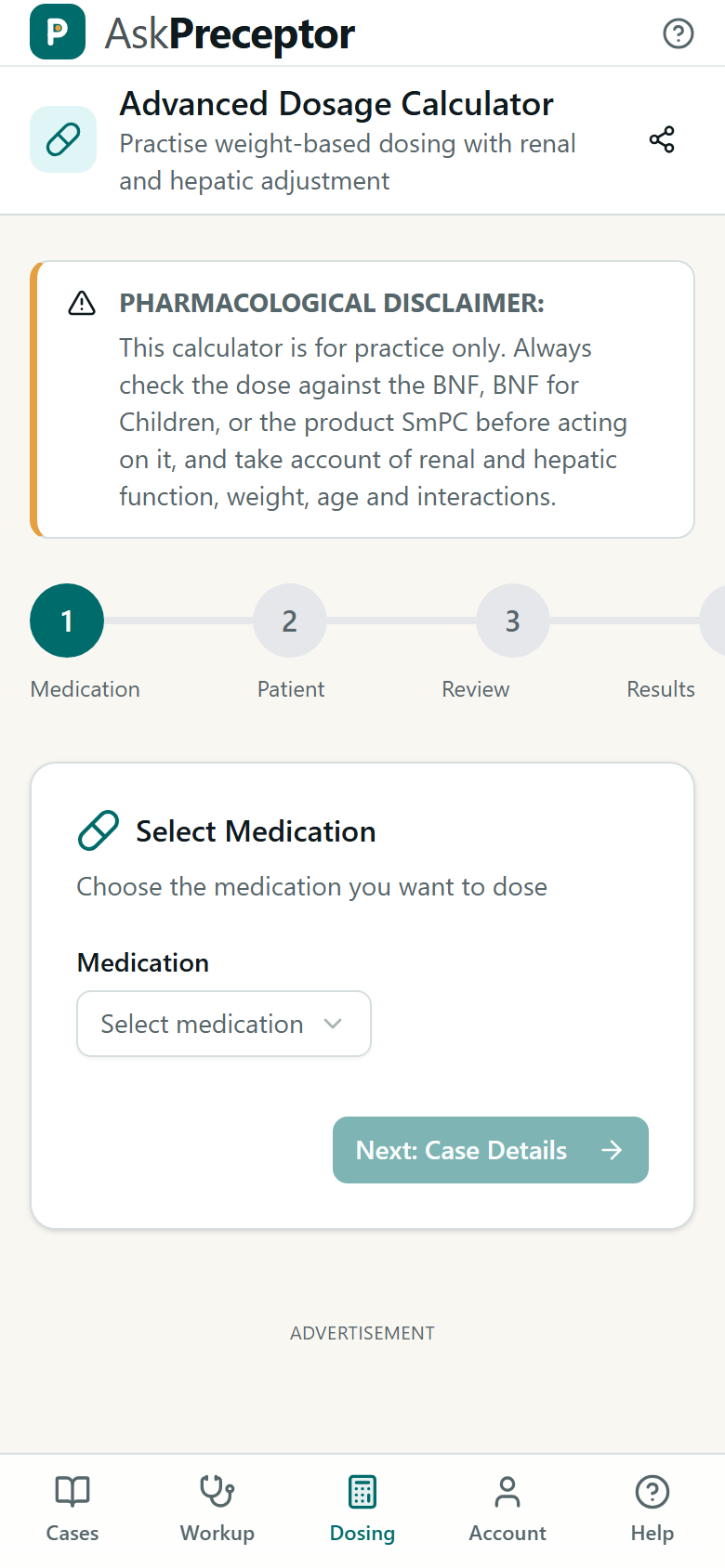
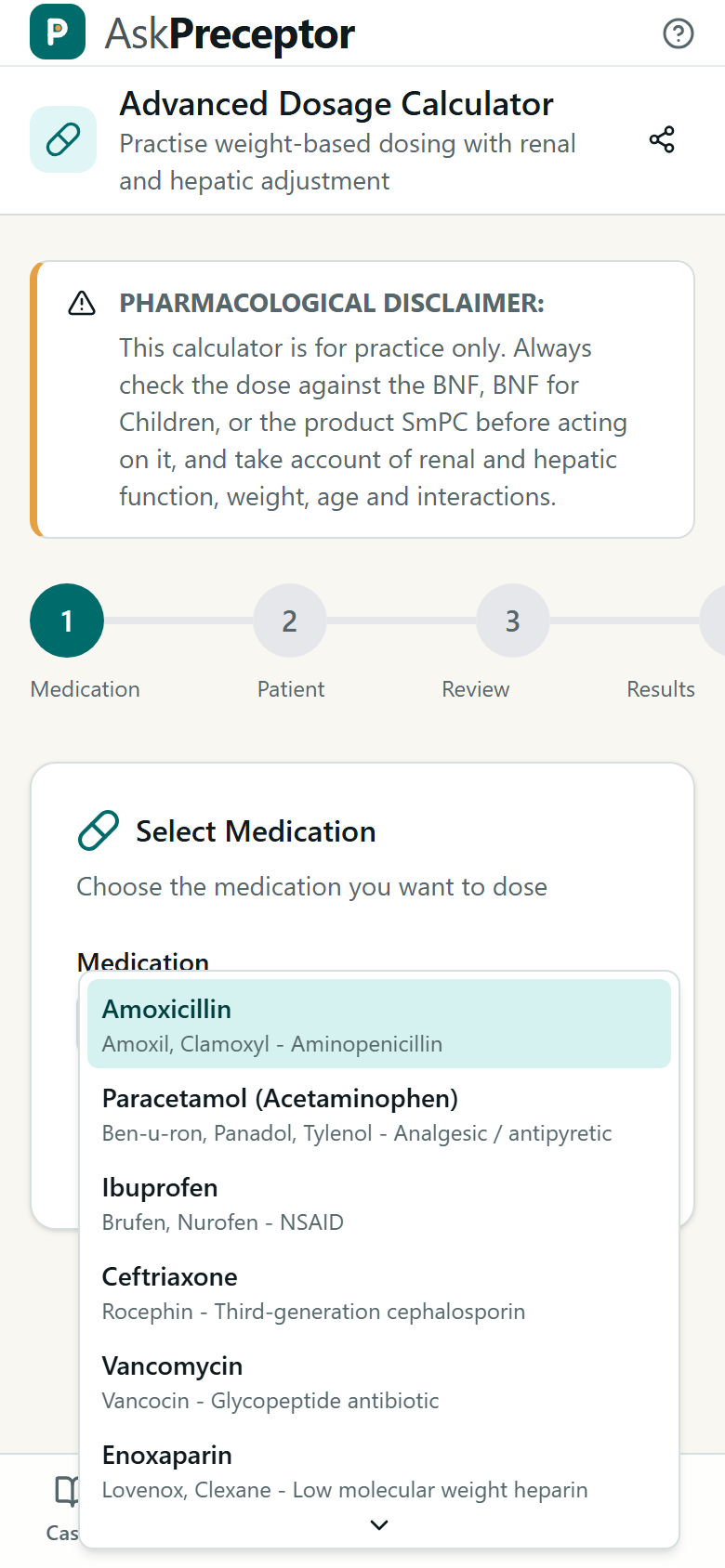
It shows the arithmetic, not just the number: the rule it used, the figures it put into that rule, and the adjustments for weight and kidney function. That is the point — a dose you cannot derive is a dose you cannot check.
When an adjustment cannot be made because something is missing, the figure is withheld rather than guessed. A number with a caveat gets copied; a missing number gets questioned.
Account, limits and ads
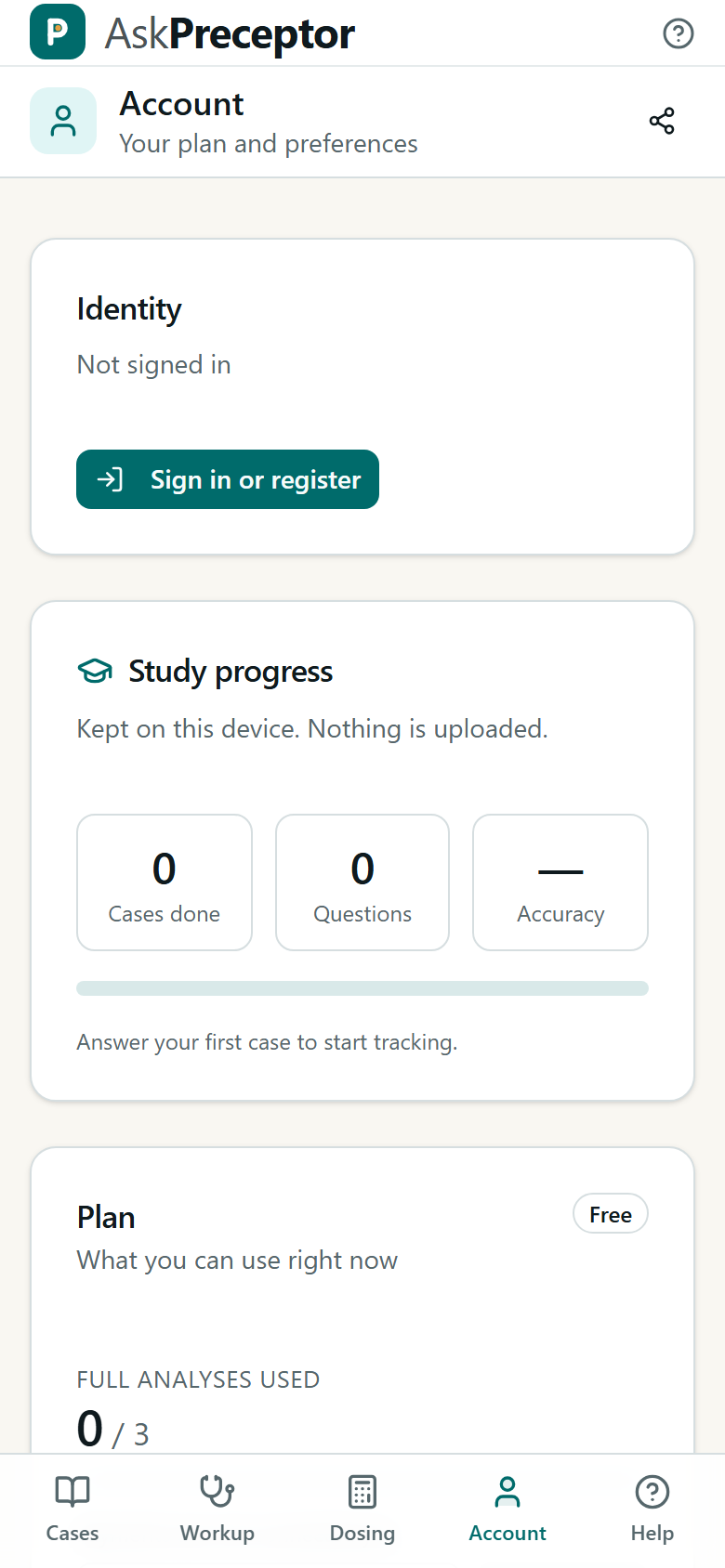
- The case library is unlimited
- Stored cases cost nothing to serve, so reading them is never rationed. The daily allowance applies only to cases you write yourself, which is the part that calls the model.
- Running out
- In the Android app you can watch an ad and unlock one more, up to three times a day. In a browser that exchange does not exist, because the ad format it uses is an app format.
- Where ads never appear
- Inside a clinical analysis, between a question and its answer, or beside a calculated dose. That is enforced in code and checked by a test, because an ad next to a treatment recommendation reads as endorsement.
- Deleting your account
- Removes the account, the progress and the usage history together, immediately. Progress kept on this device is cleared separately, from the same screen.